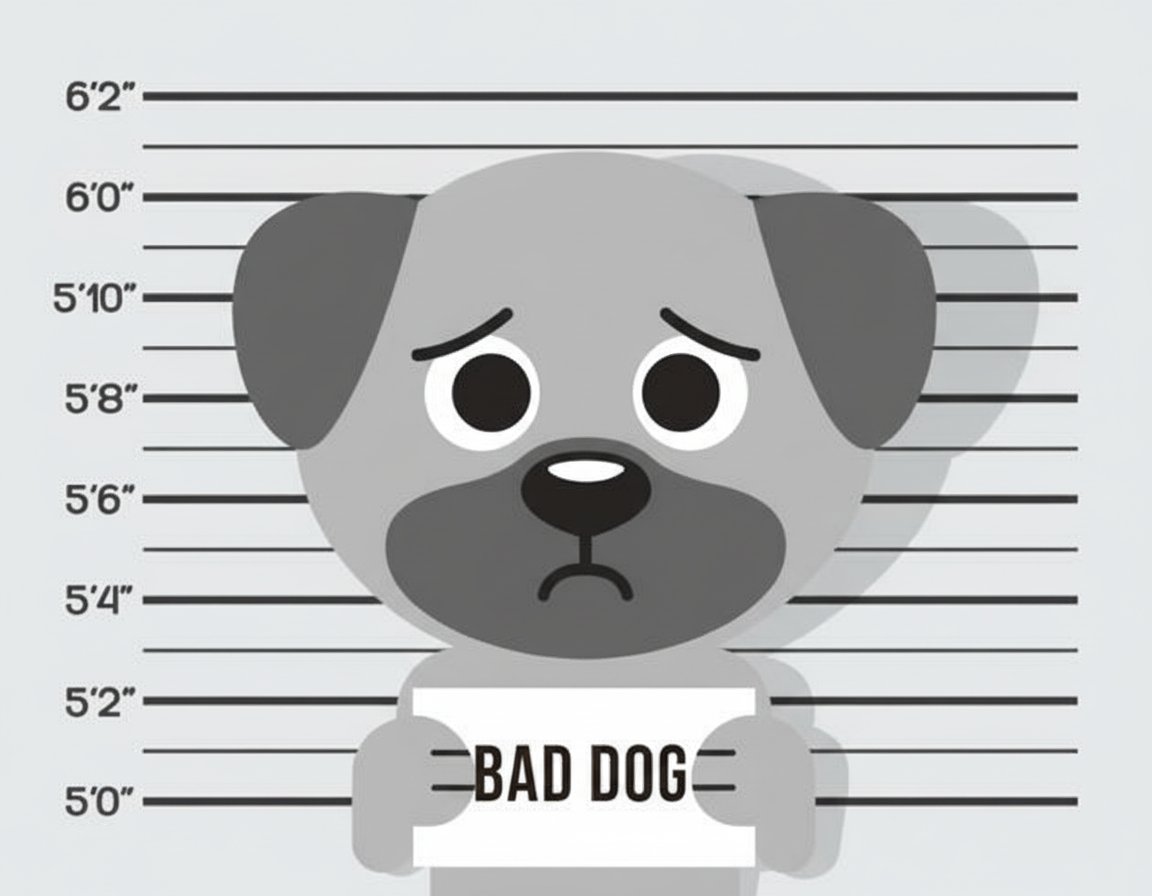
BadDog mugshot — a guilty cartoon dog holding a Bad Dog sign
Focus enforcement for macOS

Your laptop barks at you
when you get distracted.

BadDog monitors your active window and plays increasingly obnoxious sounds when you wander off task. Volume lock means you can't mute it. You signed up for this.

Download Free See how it works

macOS only · Apple Silicon + Intel · Free to download

Classically conditioning distracted professionals since 2026.

How it works

Four steps to
Pavlovian productivity.

01

Set your task

Choose which apps you should be in (allowlist) or which ones are off-limits (blocklist). Add distracting URLs too.

02

Pick your punishment

Gentle beeping? Aggressive barking? Full air-horn chaos? Choose your own suffering.

03

Start a session

Hit the button. BadDog watches your every move from the menu bar. It sees you. It judges you.

04

Get caught

Open Twitter? BadDog barks. Check Reddit? BadDog screams. The only escape is doing your actual work.

Punishment levels

Choose your own
consequences.

😐
Gentle

Barking starts immediately. More barking joins at 5 seconds. A doorbell chimes in at 10. Annoying. Survivable. For now.

  • Bark layer 1 — immediately
  • Bark layer 2 — at 5s
  • Doorbell — at 10s
  • All loops. Forever.
😠
Firm

Barking plus an alarm clock, then more barking, then a siren, then hammering. Five layers that stack over 20 seconds.

  • Barking — immediately
  • Alarm clock joins — at 5s
  • Siren joins — at 15s
  • Hammering joins — at 20s
🤬
Unhinged

Four layers of chaos stacked in under 10 seconds. Barking, a cuckoo clock, more barking, and a saw. All looping. All at once.

  • Barking — immediately
  • Cuckoo clock — at 3s
  • More barking — at 6s
  • Buzzing saw — at 9s

You can't just mute it.

BadDog's Volume Lock forces your system volume back up every 300ms if you try to lower it. The only way to stop it is to get back to work — or hit the emergency kill hotkey.

⌃⇧⌥Q — the nuclear option. Use wisely.
Features

Everything you need
to not need this app.

🎯

Allowlist + Blocklist

Allowlist mode: define which apps you should be in. Blocklist mode: define the apps and websites that trigger punishment. Or use both.

🌐

Browser URL Detection

BadDog checks what's in your browser tab, not just which app is open. It knows you're on Reddit even if Chrome isn't blocked.

📈

Escalating Punishment

Sounds get progressively worse the longer you stay off task. New layers stack every few seconds. The app is literally conditioning you.

⏱️

Grace Period

Configurable 0-30 second grace period. Check Slack without triggering an air horn. Set it to 0 for the full masochist experience.

🔇

Volume Lock

Prevents muting or lowering volume during barking. Forces it back up every 300ms. Displays "Nice try. 🐕" when you attempt it.

💨

Menu Bar App

Lives in your tray. No dock icon clutter. Quietly watching until you mess up. Emergency kill hotkey works from any app.
🧑‍💻
future BadDog user
@definitely_working

just installed an app that screams at me when I open twitter. i hate it. it's working. 5 stars.

♡ 2.4K    ↻ 891    💬 312

Ready to be
trained?

Free to start. Just consequences.

Download for macOS

Requires macOS 12+ · 15MB download